> For the complete documentation index, see [llms.txt](https://docs.trojan.com/llms.txt). Markdown versions of documentation pages are available by appending `.md` to page URLs; this page is available as [Markdown](https://docs.trojan.com/terminal-overview/tools-and-widgets/wallet-analyzer.md).
# Analyzer
Trojan Trading's wallet Analyzer equips you with advanced metrics to evaluate a wallet’s trading performance.
Dig deeper into top traders’ wallets you’ve come across, or use it on your own wallet to sharpen your strategy and gain insight. You can also **migrate them into our Copy Trade feature with a single click**.
* **Enter a wallet address** in the 'Search' field to load the Analyzer.
* Select the timeframe.
* **Review wallet performance in the 'Profit & Loss' section**. See Realized and Unrealized PNL %, total PNL, win rate, and a PNL chart.
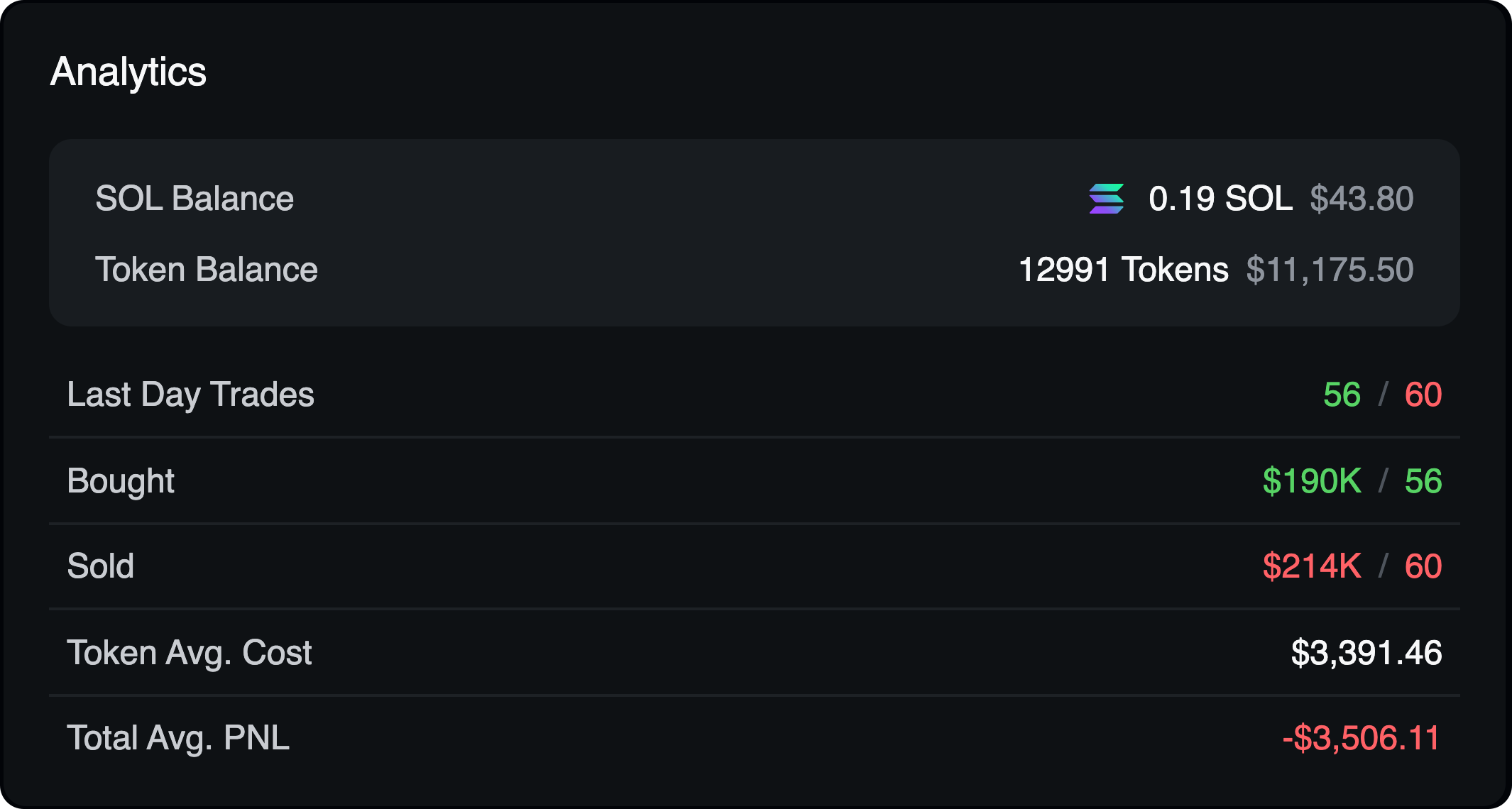
* In the center are Analytics. Pure stats. Flip across the timeframes for more insight.
* Examine the wallet in the 'PNL Distribution' section to **see how that PNL came to be - was it one big win, or consistency over time?** The **View Distribution** button will give you a more detailed look into those wins and losses, and the involved token(s).
To view details, including individual token performance, click View Distribution.
* View the 'Activity' tab to see a detailed trade log. The 'Positions' tab shows the current holdings.
{% columns %}
{% column width="58.333333333333336%" %}
* Click **Copy** **Trade** to import the wallet into the [Copy Trade](/terminal-overview/tools-and-widgets/copy-trading-bot.md) system with one action.
* Click **Track** **Wallet** to add to tracked wallets.
* Click **My** **Wallets** to see your own wallet stats.
{% endcolumn %}
{% column width="41.666666666666664%" valign="middle" %}
{% endcolumn %}
{% endcolumns %}
{% hint style="info" %}
In the **Activity** and **History** tabs, click to switch from USD values to SOL
{% endhint %}